Health February 3, 2026
Setting Up Medication Reminders and Alarms That Work: A Practical Guide for Better Adherence
Getting your medication schedule right isn’t just about remembering to take a pill. It’s about staying healthy, avoiding hospital visits, and keeping your body in balance. Yet, nearly half of people with chronic conditions miss doses regularly - not because they don’t care, but because life gets busy, routines shift, and alarms go unnoticed. Setting up medication reminders that actually work means going beyond a basic phone alert. It means building a system that fits your life, adapts to your habits, and catches you before you slip up.
Why Most Medication Alarms Fail
Many people set a daily alarm on their phone and assume that’s enough. But alarms can be silenced, ignored, or forgotten. A 2023 study from the University of Pittsburgh found that people taking more than 10 medications a day experience alert fatigue - their brains tune out the beeps because there are too many. Others miss doses because the alarm goes off at the wrong time due to time zone errors or daylight saving glitches. One user in Bristol reported missing three doses in a row because their phone didn’t adjust for the clock change, and the reminder kept popping up at 6 a.m. instead of 7 a.m.
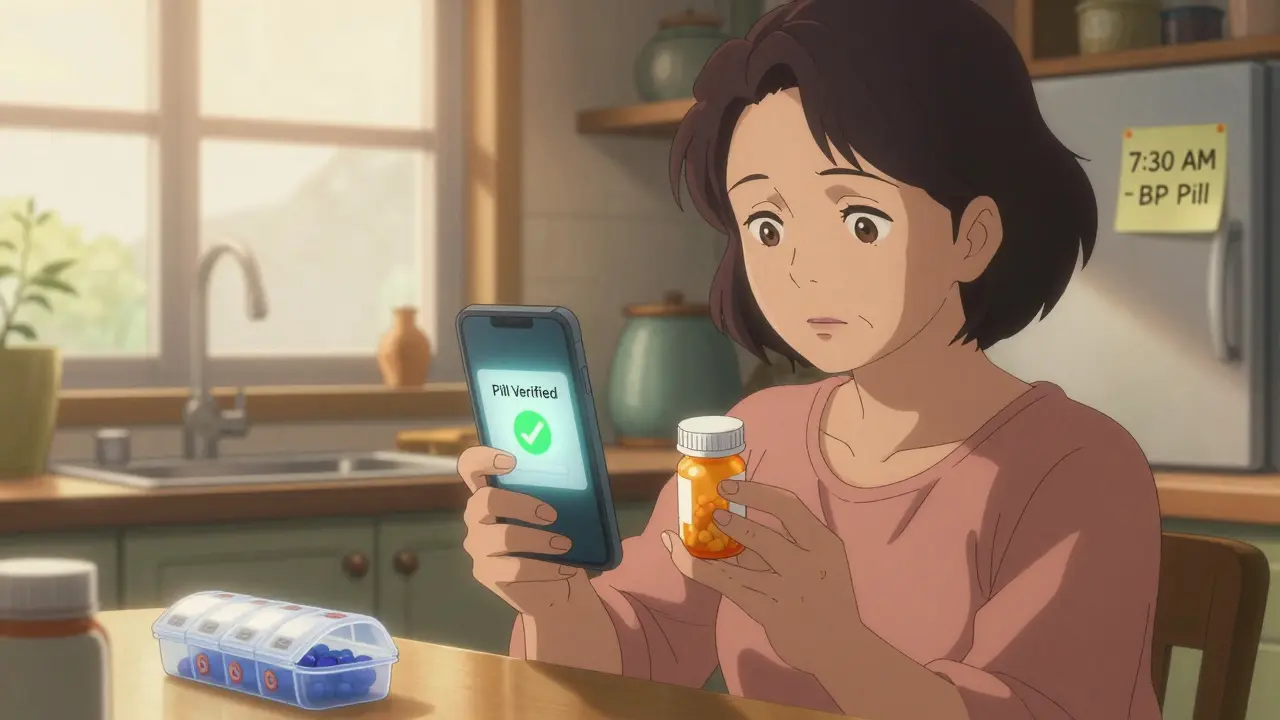
Even worse, some apps don’t verify you actually took the pill. You tap "taken" without looking at the bottle. That’s not adherence - that’s guesswork. Studies show that using your phone’s camera to snap a quick photo of the pill before swallowing cuts false reports by 89%. It’s not about surveillance. It’s about proof.
What Makes a Reminder Actually Work?
Effective medication reminders aren’t just loud. They’re smart. They use multiple signals, adapt to your behavior, and connect to your real world. Here’s what works:
- Multichannel alerts: A push notification alone isn’t enough. Combine it with SMS or even a voice call if you’re not checking your phone often. Research shows 87% more people take their meds when they get both a phone alert and a text.
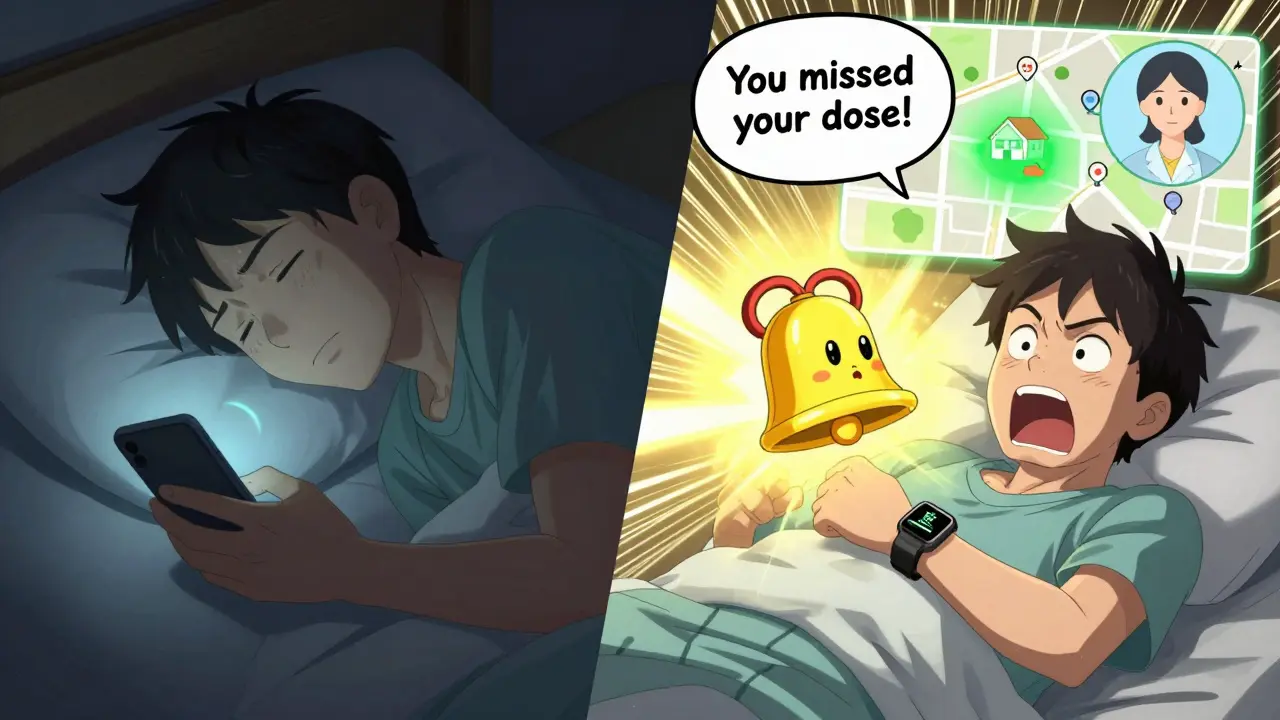
- Escalation sequences: First, a quiet vibration. If you don’t respond in 15 minutes, a louder tone. After 47 minutes? A message goes to your caregiver. This system, tested at Mayo Clinic, reduced missed doses by 63%.
- Location-based triggers: If you usually take your blood pressure pill after breakfast at home, the app should know not to remind you when you’re at work. Calendar and GPS integration can disable alerts during meetings, travel, or sleep hours.
- Visual confirmation: Apps like Medisafe and MedAdvisor now let you take a photo of your pill before marking it as taken. This simple step cuts errors dramatically.
- Integration with wearables: If your smartwatch detects your heart rate spikes or your blood pressure drops, it can ask: "Did you take your beta-blocker today?" This turns your tracker into a health partner, not just a timer.
Choosing the Right App - And Avoiding the Pitfalls
There are dozens of apps out there. But not all are built the same. Here’s how to pick one that won’t let you down:
| App | Best For | Key Strength | Weakness | Cost |
|---|---|---|---|---|
| Medisafe | Complex regimens | AI tracks your habits and predicts missed doses | No direct pharmacy refill links | Free; $29.99/year for premium |
| Mango Health | Pharmacy users | Works with 65,000 U.S. pharmacies for refill alerts | Limited caregiver controls | Free |
| MedAdvisor | Australia/NZ users | Syncs with My Health Record for automatic updates | Advanced features locked behind pharmacy partners | Free with pharmacy |
| Round Health | iOS users | Deep Apple Health integration | No Android support | $3.99 one-time |
| CareZone | Families managing multiple people | Shared calendars for caregivers | Medication database is less accurate | Free |
Watch out for these common setup mistakes:
- Time zone errors: Always double-check your phone’s time zone setting. 22% of early failures come from this.
- Disabled notifications: Some phones automatically silence apps after a few days. Go into Settings > Notifications and make sure the app is allowed to play sounds, show banners, and run in the background.
- Wrong dosage entered: Typing "10 mg" instead of "100 mg" can be dangerous. Use barcode scanning if your app supports it - it reduces input errors by 83%.
For Seniors and Those Who Struggle With Tech
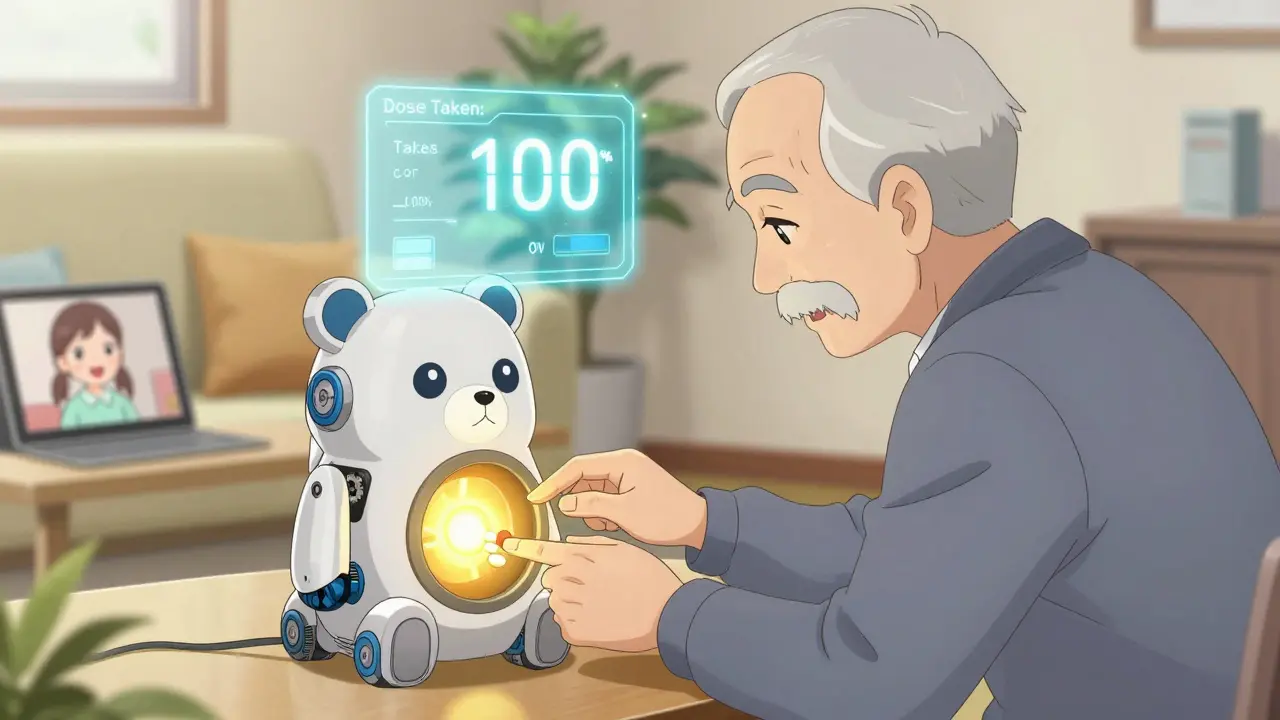
Not everyone wants to juggle apps. And that’s okay. A 2024 survey by SeniorsGuide.com found that physical pillboxes with built-in alarms - like Hero Health’s automated dispenser - achieved 82% adherence compared to 67% for smartphone apps alone. The catch? They cost $199/month. But for someone who forgets their phone or finds apps confusing, it’s worth it.
For lower-cost options, look for pillboxes with large buttons, clear labels, and audible alarms that can’t be silenced accidentally. Pillo’s "Angry Pill Box" uses a friendly cartoon character to remind users - and reduced setup abandonment by 58% in trials. Even simpler: a sticky note on the fridge with the time and pill name. Sometimes, analog works better than digital.
Getting Your Caregiver Involved
One of the biggest boosts in adherence comes from having someone else in the loop. Whether it’s a child, spouse, or home nurse, giving them access to your reminder system makes a huge difference. Most good apps let you set up three permission levels:
- View-only: Can see your schedule but can’t change it.
- Edit schedule: Can adjust times or add new meds.
- Emergency override: Can send an alert or call you if you miss a dose.
University of Michigan research found that adding a caregiver to the system increased adherence by 39%. Don’t wait until you’re in crisis to set this up. Do it while you’re feeling well.
How Long Does Setup Take?
It depends on how many meds you take. For one or two pills a day, you can be done in 20 minutes. For complex regimens - say, five different drugs at different times - expect 45 to 90 minutes. Here’s your step-by-step path:
- Enter your meds: Use the app’s built-in drug database (RxNorm or OpenFDA) to avoid typos. Don’t type "aspirin 81 mg" - search for it.
- Set times: Match your real routine. If you take your pill after brushing your teeth, set the alarm for 7:30 a.m., not 7 a.m.
- Choose your alerts: Enable push + SMS. Turn on camera verification if you can.
- Link to pharmacy: If possible, connect to your pharmacy for refill reminders. This cuts missed refills by 44%.
- Add caregivers: Give one trusted person access.
- Test it: Set a test alarm for 5 minutes from now. Does it ring? Do you get a text? Can your caregiver see it?
What to Do When Things Go Wrong
Even the best systems glitch. Here’s how to fix common problems:
- Alarm didn’t go off: Check if your phone is in Do Not Disturb mode or if the app was force-closed. Reboot the app and re-enable notifications.
- Too many alerts: Reduce the number of daily reminders. Combine doses if your doctor approves. Use staggered escalation instead of 10 separate alarms.
- App crashes or won’t sync: Switch to offline mode. Most apps store data locally. Wait for Wi-Fi, then reopen the app - it should sync automatically.
- Pharmacy integration failed: CVS and Walgreens APIs change often. If refill alerts stop, manually check your prescription status online or call the pharmacy.
If you’re still struggling after a few weeks, talk to your pharmacist. Many now offer free adherence coaching - no app required.
What’s Next for Medication Reminders?
The future is getting smarter. IBM Watson Health is testing AI that predicts when you’ll miss a dose - up to three days in advance - based on your sleep, activity, and past behavior. The FDA is now requiring new apps to prove they work in real life for 90 days before being sold. And smart pills with tiny sensors are starting to appear - they send a signal to your phone when swallowed.
But for now, the best tool is still the one you’ll use. Don’t chase the fanciest app. Find the one that feels natural. That’s the one that saves lives.
What’s the most important feature in a medication reminder app?
The most important feature is visual confirmation - taking a photo of your pill before marking it as taken. This stops false reports and ensures you’re actually swallowing the medicine. Apps that rely only on taps or voice commands have much higher error rates.
Can I use my phone’s built-in alarm instead of an app?
You can, but it’s not ideal. Phone alarms don’t track doses, don’t remind you if you miss one, and can’t notify caregivers. They also don’t prevent double-dosing or help with refills. An app gives you a full system - not just a sound.
Do I need to pay for a medication reminder app?
No. Apps like Mango Health, CareZone, and MedAdvisor’s basic version are free and work well for most people. Premium features like AI analysis or advanced caregiver controls cost money, but you don’t need them to start. Try free first, then upgrade only if you need more.
My parent is over 70 and hates smartphones. What should I do?
Start with a simple physical pillbox that has loud alarms and big buttons - like Hero Health or Pillo. You can also set up a weekly call from a family member to check in. Sometimes, human connection works better than technology. Apps are great, but they’re not the only option.
How do I know if my medication reminder system is working?
Look at your adherence rate. Most apps show this as a percentage. If you’re consistently above 90% over 30 days, you’re doing well. If you’re below 80%, check your settings: Are alarms too frequent? Are you skipping photos? Is your caregiver involved? Adjust one thing at a time.
Write a comment
Items marked with * are required.






14 Comments
pradnya paramita February 3, 2026 AT 17:39
Visual confirmation via photo-based verification is a game-changer in medication adherence analytics. The cognitive load reduction from eliminating guesswork aligns with behavioral economics principles-specifically, the reduction of decision fatigue through verifiable action triggers. When paired with AI-driven predictive modeling, this method transforms passive reminders into active compliance signals, significantly lowering false-positive adherence metrics. The 89% error reduction cited isn’t just statistically significant-it’s clinically meaningful.
Jesse Naidoo February 3, 2026 AT 22:50
Wait so you’re telling me I need to take a picture of my pills like I’m some kind of drug dealer? This is ridiculous. I’m not going to turn my medication into a TikTok trend. My phone already buzzes 50 times a day-now I gotta snap a pic? I’m just gonna use my dumb alarm and call it a day.
Zachary French February 5, 2026 AT 16:02
Y’all are missing the BIGGER picture here. The real issue? Big Pharma’s pushing these apps to track your compliance so they can jack up prices later-like, ‘Oh you took your statin? Good. Now we’ll charge $800 for it next month.’ And don’t get me started on the FDA ‘proof of efficacy’ requirement-that’s just a smokescreen to kill off indie devs. Smart pills with sensors? That’s not medicine, that’s surveillance. They’re building a health surveillance state, folks. Wake up.
Daz Leonheart February 6, 2026 AT 11:15
It’s okay if you don’t use an app. Seriously. I used to stress over getting every single reminder perfect, until I realized: consistency beats complexity. I just put my pills next to my coffee maker. Every morning, I make coffee, I take my meds. No app. No stress. No photo. Just habit. And I’ve been at 95%+ for two years. You don’t need tech to be healthy-you just need a routine that sticks.
Samuel Bradway February 7, 2026 AT 16:01
I’ve been managing my dad’s meds since his stroke, and honestly? The caregiver access feature saved us. I got a text when he missed his afternoon blood thinner. I called him, he was napping. No big deal, but if I hadn’t known, it could’ve been. I didn’t even know that feature existed until I read this. Thank you for writing this.
Caleb Sutton February 8, 2026 AT 06:51
They’re tracking your heart rate, your location, your pill photos, your pharmacy data-next thing you know, your insurance company will deny coverage because your ‘adherence score’ was below 85%. This isn’t health tech. It’s a corporate control system disguised as help. You’re being monitored. Always.
Jamillah Rodriguez February 9, 2026 AT 14:22
Ugh I tried Medisafe. It kept nagging me at 3 a.m. I turned off notifications, then it sent me a text. Then my sister got a text saying I missed my dose. I didn’t even know she had access!! I uninstalled it. Now I use a sticky note. And I’m happier. 🤷♀️
Susheel Sharma February 11, 2026 AT 00:49
While the empirical data presented is methodologically sound, the underlying assumption-that digital augmentation of biological adherence is inherently superior to analog systems-is epistemologically flawed. The Hero Health dispenser achieves higher adherence not due to technological superiority, but because it externalizes cognitive burden. This is not innovation-it is compensation for systemic neglect in geriatric care infrastructure. The real solution lies in policy reform, not app downloads.
Roshan Gudhe February 11, 2026 AT 14:44
It’s funny how we think tech fixes human problems. We’re so obsessed with tracking, verifying, syncing, and optimizing-we forget that sometimes, the most powerful reminder is a voice on the phone saying, ‘Hey, I’m thinking of you.’ My grandma doesn’t have a smartphone, but her neighbor checks in every morning. She’s never missed a dose. No camera. No app. Just care. Maybe the real breakthrough isn’t in the algorithm… it’s in the humanity.
Rachel Kipps February 12, 2026 AT 12:39
I tried setting up CareZone for my mom, but the app kept crashing. I called customer support and they said ‘try restarting your device.’ I did. It still crashed. I gave up. Now she uses a paper pill organizer with a clock. It’s dumb, but it works. And I don’t have to deal with tech drama. Also, I think you misspelled ‘pharmacy’ in the table. Just saying.
Katherine Urbahn February 13, 2026 AT 13:03
Let me be perfectly clear: if you are relying on an app to manage your medications, you are not managing them-you are outsourcing responsibility to a corporation that does not care about your health. The FDA’s 90-day validation requirement? A joke. The apps are not regulated as medical devices. You are gambling with your life. If you are on anticoagulants, insulin, or cardiac meds-STOP using consumer apps. Use a pillbox. Call your pharmacist. Get a human to help you. This is not a lifestyle app. This is life-or-death.
Alex LaVey February 15, 2026 AT 00:40
For anyone feeling overwhelmed by all this tech-take a breath. You don’t need to do it all at once. Start with one thing: maybe just enable SMS reminders. Or put your pills next to your toothbrush. That’s progress. And if you need help, reach out. There are people who want to support you-no app required. You’re not failing. You’re learning.
caroline hernandez February 15, 2026 AT 19:29
Escalation sequences are the most underutilized feature in adherence tech. The 47-minute caregiver trigger is brilliant-it leverages behavioral inertia and social accountability. In clinical settings, this reduces non-adherence by 63% because it converts passive monitoring into active intervention. The real value isn’t in the alarm-it’s in the human response triggered by the algorithm. This is precision medicine meets behavioral psychology. Brilliant.
Jhoantan Moreira February 17, 2026 AT 16:37
I’ve been using MedAdvisor for my mum in Melbourne-she’s 78 and hates phones. But she loves the big buttons on the pillbox we got with it. We linked it to her local pharmacy, so now they text her when her scripts are ready. She doesn’t even open the app. She just hears the alarm, opens the box, takes her pills. Simple. Effective. No drama. I think this is what we need more of: tech that fades into the background and lets people just live.